
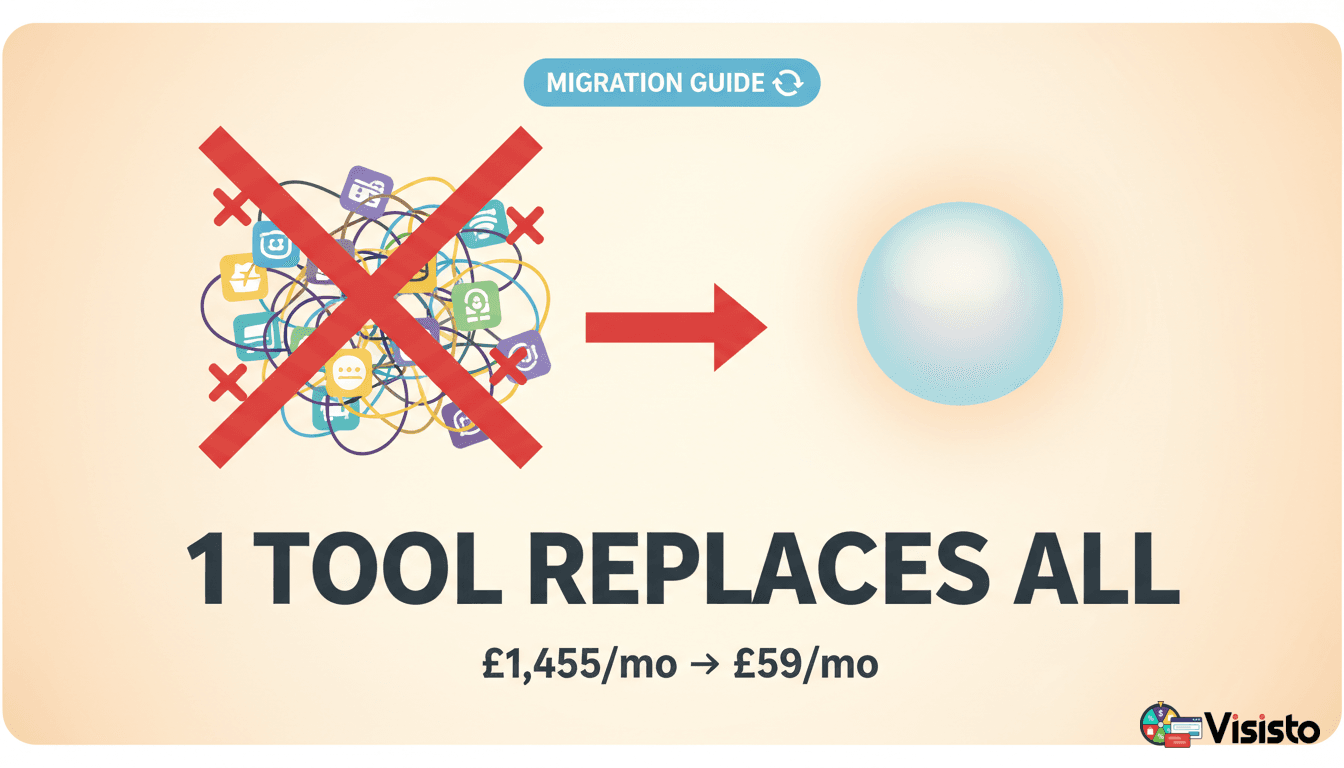
Replace Klaviyo, Zapier and OptinMonster: Build a Leaner Marketing Stack With Visisto
Three dashboards shouldn't be the price of sending one welcome email.
A visitor joins through a popup. Their details travel through an integration. A contact appears in an email tool. Then a welcome email runs—unless a connection fails, a field mapping changes or somebody disabled the workflow. That's a lot of moving parts for a very ordinary customer interaction.
Visisto starts with the outcome: capture an eligible contact, create a campaign, automate a useful follow-up and see the results. Its Popups & forms, Contacts, Email campaigns and supported Automations can reduce the handoffs a business maintains for those workflows.
Not every handoff can disappear. Visisto does not claim to reproduce every Klaviyo commerce flow, Zapier integration or OptinMonster targeting rule. But a business should stop paying for and maintaining work it can demonstrably handle in one straightforward journey.
Start your first Visisto email campaign — free.
Where the cost and complexity really come from
Klaviyo provides email campaigns, audience data, automated flows and ecommerce-related features. Zapier connects applications using workflows and task-based usage. OptinMonster handles onsite capture and conversion campaigns. Each can be valuable on its own.
The trouble begins when you need all three to make a simple sequence happen:
Popup shown → visitor signs up → Zap sends contact to email platform → welcome message delivered → follow-up scheduled.
Who owns consent? What happens if the Zap fails? Does the contact get tagged correctly? Can you tell whether a subscriber has already received the message? How many places does a teammate have to check before solving a problem?
A better stack makes the customer journey easier to run, not merely easier to buy.
A supported Visisto flow can look like form or popup → Contact → Email campaign or Automation → Results. Your job is to test that sequence with your own forms, fields and automation rules before retiring anything.
What do these tools actually charge for?
Klaviyo: marketing capacity and selected products
Klaviyo's official pricing page lists up to 250 active profiles and 500 monthly email sends on Free. Its paid pricing depends on the audience size and product selections. It also includes signup forms, flows and established ecommerce integrations; those are real features, not gaps you should invent for a comparison.
Zapier: tasks and workflow requirements
Zapier's Free-plan documentation currently lists 100 tasks per month, two-step Zaps and 15-minute polling for polling triggers. Its pricing page offers larger task tiers and additional features. A form-to-email handoff may be redundant after migration—but an accounting, CRM or fulfilment Zap may remain essential.
OptinMonster: campaigns, impressions and specific tools
OptinMonster provides popups, targeting features, testing and other onsite conversion tools. Its cost guide explains plan limits, while pricing may reflect promotions, impressions, features and renewal terms. Compare the relevant checkout and renewal price, not an introductory banner alone.
The potential saving isn't a universal percentage. It is the value of eliminating the subscriptions and maintenance you no longer need after verifying the replacement.
A practical replacement map
| Your customer journey | Current tool or handoff | Visisto route to test |
|---|---|---|
| Send newsletters and launches | Klaviyo campaigns | Email campaigns |
| Reuse branded messages | Klaviyo templates | Email templates |
| Organise subscribers | Klaviyo profiles | Contacts |
| Follow up after a supported signup | Klaviyo flow and perhaps Zapier | Automations |
| Capture website signups | OptinMonster | Popups & forms |
| Use interactive opt-in campaigns | Capture tool | Supported gamified widgets |
| Sync accounting or specialist CRM | Zapier | Keep the connection unless an exact replacement is proven |
| React to checkout or purchase events | Klaviyo and integrations | Verify actual event support before migrating |
Don't pretend every integration has parity. A genuine Visisto advantage is a verified direct workflow, not a slide claiming to replace an entire technology category.
Put email campaigns and automations first
The signup isn't the point. The message you send next is what begins the relationship.
A useful first workflow is simple:
- Capture an eligible contact with clear information about what they're signing up for.
- Store the contact and appropriate permissions.
- Send a welcome email that fulfils the promise.
- Deliver a second helpful message when the contact and account rules allow it.
- Review what happened and make the next campaign more relevant.
Consider a two-message introduction:
Email 1 — Welcome. Subject: Here's what we'll send you. Explain the updates, show a useful resource and provide a way to unsubscribe.
Email 2 — Useful next step. Subject: One thing you can put to work today. Give the reader a short example or a practical checklist, not a generic sales pitch.
Test the exact starting trigger, wait time, repeat-entry rules and stopping conditions supported by your Visisto account. This illustrative sequence is not a promise that every Klaviyo event or third-party integration is natively available.
Step 1: inventory the live stack before replacing it
In Klaviyo, record newsletters, active flows, audience segments, important data fields, sender authentication and suppression lists.
In Zapier, record each active Zap, source and destination, task usage, credentials, errors and owners. Mark any workflow that writes to a billing, CRM or fulfilment system as business-critical until proven otherwise.
In OptinMonster, record onsite campaigns, page targeting, popup display rules, forms, consent language, mobile behaviour and live tests.
Then draw the journey from first visitor interaction to final customer communication. Every system crossing should have a reason to exist.
Step 2: choose one workflow to test
A newsletter form followed by a welcome message is often a good first candidate. A sophisticated ecommerce post-purchase journey that depends on special events is rarely the simplest place to begin.
Write down what success means:
- The right visitor sees the right offer.
- A valid submission stores the contact and relevant source information.
- Permissions remain intact.
- One appropriate welcome message sends.
- Unsubscribe and duplicate handling work.
When those conditions pass, you have earned the right to migrate more.
Step 3: export subscribers and preserve consent
A CSV of addresses is not a permission slip.
Preserve marketing preferences, suppression records, unsubscribed status and the fields that matter for useful segmentation. Test how duplicate contacts and missing values are handled. Keep a secure backup before changing the source platform.
Never import a suppressed customer as an eligible promotional recipient merely because their address appears in a historical export.
Step 4: recreate one form or popup
Build one experience for a clear offer:
Headline: Want useful updates without the noise?
Description: Occasional practical guides and important changes. Unsubscribe whenever you like.
Button: Send me the updates.
Check mobile layout, close controls, privacy information and what happens after a submission. If you use a gamified widget, explain reward terms and avoid disguising marketing permission as an unavoidable prize condition.
Don't leave the old and new widgets competing for attention on the same page during cutover.
Step 5: send one actual campaign
Rebuild a newsletter or product update in Visisto. Test sending-domain authentication, links, personalised fields, mobile layout, unsubscribe handling and eligible audiences.
A passing test is not merely that the editor looks right. It's that the eligible contact receives the intended message and can take the next step.
Then send a limited campaign, inspect the available results and improve the copy before migrating the whole programme.
Step 6: automate one useful follow-up
Write out the sequence in plain English first:
Eligible signup → welcome → wait → helpful resource → exit.
Verify entry and exit conditions, any required custom data, suppression handling, and what happens on repeat signups. Do not let both platforms send the same customer journey while testing.
Some flows rely on commerce or app events that are not automatically available in every Visisto setup. Keep those original flows until the exact event and action are verified.
Step 7: keep Zapier where it still provides value
A Zap may be unnecessary if the entire supported form-to-contact path now lives in Visisto. But a Zap that updates a CRM, triggers a specialist warehouse process or reconciles invoices may have nothing to do with website capture.
Evaluate each integration individually. Removing an essential connection to create an attractive “all in one” diagram is not simplification. It's an outage waiting to happen.
The Visisto pricing approach
| Plan | Monthly | Relevant allowance |
|---|---|---|
| Free | £0 | Unlimited stored contacts, 15,000 monthly email sends |
| Choice — Email campaigns & automations | £9 | 50,000 monthly emails, 10 active automations |
| Choice — Popups & forms | £9 | 5 live items, 50,000 monthly widget sessions, one connected website |
| Growth | £29 | 150,000 monthly emails and higher capacity across Visisto groups |
| Agency | £199 | 2,500,000 monthly emails and up to 10 websites and sending domains |
These figures reflect Visisto's October 2026 plan catalog, with account entitlements and sending rules applying. Confirm the relevant Visisto pricing and checkout.
Choice upgrades one selected group. If you mainly need email, don't buy higher ticketing and booking allowances simply to send more newsletters. If you need more email and capture capacity together, compare Growth.
Calculate the actual business case
Your current monthly cost is subscriptions + required add-ons + operating effort + usage fees.
Your proposed cost is Visisto + retained tools + migration work amortised over a suitable period + necessary integrations.
For an illustrative example, assume the current stack costs £160/month across subscriptions and staff time. A verified Visisto Growth setup costs £29/month, but a retained connector costs £20/month and £360 of migration labour is spread over 12 months.
That creates a new monthly equivalent of £29 + £20 + £30 = £79, or £81 less than the invented starting scenario.
These are hypothetical inputs for demonstrating the maths, not customer savings or real competitor price quotes. Replace every input with an invoice or requirement you can document.
Step 8: cut over without duplicate messages
Run controlled tests while keeping a clear rollback plan. Verify the new form, contact fields, marketing eligibility, email delivery and automation behaviour. Check that duplicate signups do not produce multiple unwanted emails.
Once the replacement works, deactivate the old matching flow and remove redundant scripts. Keep necessary service confirmations and legal records separate from optional marketing.
Step 9: leave yourself a maintenance plan
Document the workflow, owner, sender domain, data source, unsubscribe path, expected sends, usage allowance and what to do when something fails.
A partially consolidated system with known responsibilities can be better than an undocumented one that claims to do everything.
Frequently asked questions
Can Visisto replace all three services completely?
It can consolidate supported contact capture, email campaigns and automated follow-ups. It does not promise universal parity with every Klaviyo commerce flow, Zapier application or OptinMonster targeting feature.
Does Klaviyo already support forms and popups?
Yes. Its own product includes signup forms and related capture tools. The value of consolidation depends on your specific workflow and pricing, not a made-up competitor deficiency.
What is Zapier's Free task allowance?
Its current official documentation lists 100 tasks per month, alongside two-step Zaps and the relevant polling limits.
Can I use Visisto for email without setting up a popup?
Yes. Start with Contacts and Email campaigns, then add supported Automations. You can add Popups & forms only when capture becomes a relevant goal.
Which Visisto plan should replace a multi-tool stack?
The correct answer depends on actual live widgets, monthly emails, automation count and integrations. Choice upgrades one group; Growth provides higher allowances across several groups. A feature that is not supported is not fixed by choosing a higher plan.
Stop maintaining a marketing relay race
You don't need three dashboards to understand one welcome email. You need the right message to reach the right person, with the relevant permission, at the right moment.
Visisto gives you a strong direct starting point for email campaigns, contacts, capture and supported automation. Keep outside services where they still earn their place. Remove handoffs that don't.
Simpler is only better when the customer journey still works. Make that your standard.
Official sources and editorial notes
Checked 10 October 2026: Klaviyo pricing, Zapier Free plan, Zapier pricing, OptinMonster pricing, OptinMonster cost guide and Visisto pricing.
Examples are illustrative, not measured customer outcomes or guaranteed savings. Confirm the actual availability of every replacement integration before cancelling a live service.
Written by Visisto Team
Visisto